How to turn your photos and memories into a music video
To turn your photos and memories into a music video, you need two things: a song about your story, and a video edited to that song. You can stitch them together yourself with a song maker such as Suno and a video editor such as CapCut, or have Kwento make both with care from your own words and photos, for $29, ready about 15 minutes after you say yes to the song's words. Kwento takes the time and effort of doing it yourself off your hands: you talk about the person, check the song's words, and get the finished music video.
Doing it yourself
- What you do
- Write the words, make the song, scan and choose the photos, then edit the video, timing every cut and every sung line to the music
- Tools
- A song maker such as Suno, and a video editor such as CapCut, Canva or iMovie
- What you get
- A song and a video you put together yourself
- Cost
- Free tools keep it cheap, but Suno's free plan includes no song downloads. A month of Suno Pro and CapCut Pro comes to about $30
- When it's ready
- When you've finished it, after a lot of time and effort
With Kwento
- What you do
- Talk about them, check the song's words, add your photos and clips, and pick one of two versions
- Tools
- Kwento, on your phone or computer
- What you get
- A song about them, and a music video edited to it: cuts on the beat, the words on screen as they're sung, your own photos and clips framed and moving
- Cost
- $29
- When it's ready
- About 15 minutes after you say yes to the song's words, within an hour at most
What doing it yourself really takes
Each part is a job of its own. The words have to tell your story and still fit a tune. A song maker can take many tries before every word comes out clear. Then every cut has to land on the beat, and every line of words has to appear just as it's sung, which is slow, careful work in a video editor. Google Photos and Apple Photos' Memories can set your photos to music quickly, but that's a slideshow to a song from their library, not a song about them.
Free tools can keep the cost down: iMovie is free, and Suno has a free plan, though it includes no song downloads. If you pay for a month of Suno Pro, about $10, and CapCut Pro, $19.99, that's about $30, more than Kwento's $29, before counting your time.
What Kwento learned from more than 200 versions of music videos
Kwento has made more than 200 versions of music videos from photos and compared them side by side. These are the rules that held. Each one is something you can see or hear, so you can follow them in any video editor.
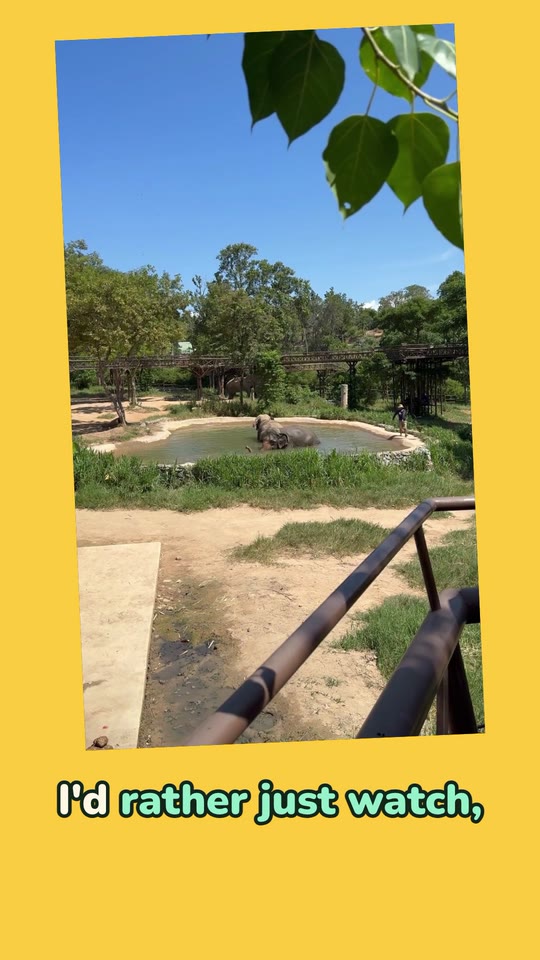
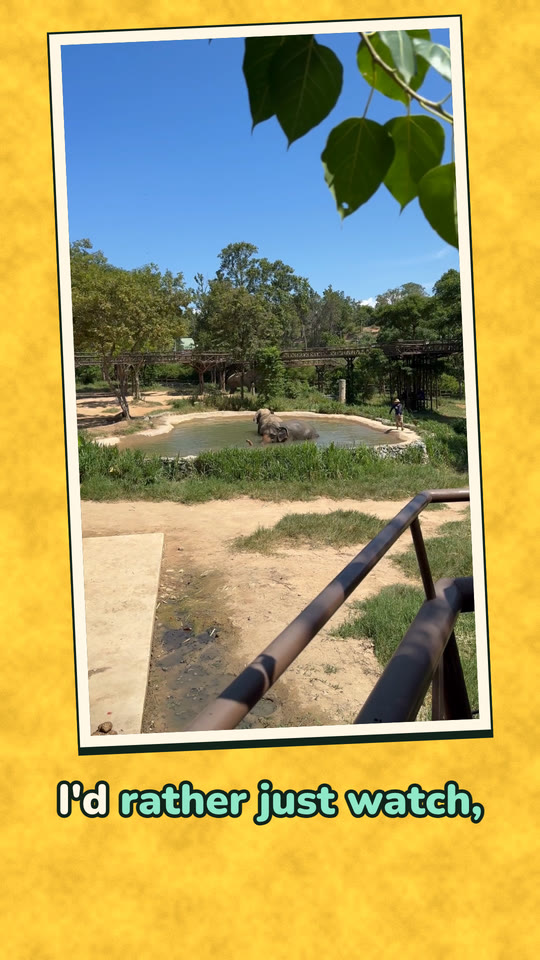
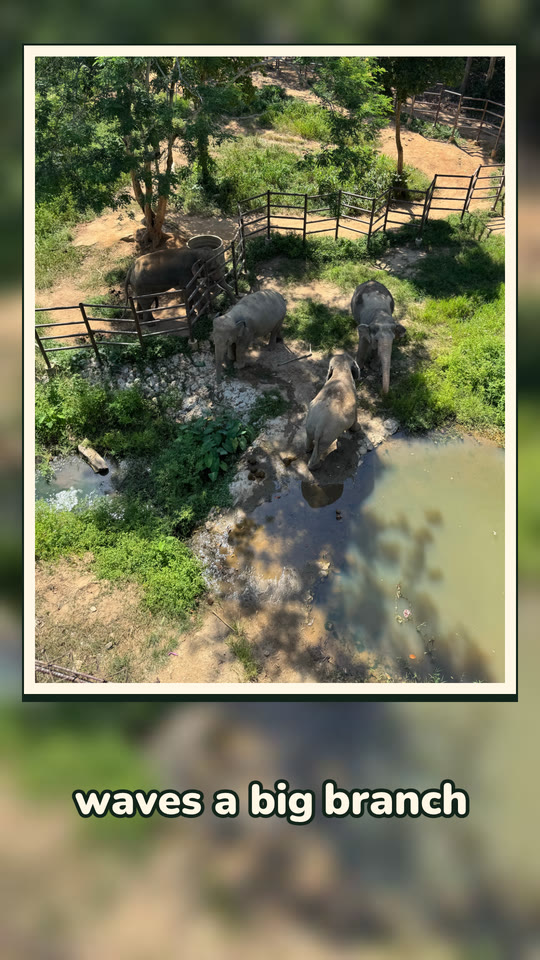
- Never put a flat color behind a picture. Use the photo's own blurred, enlarged copy, or a color with a paper texture. A video full of flat color backgrounds scored 1 out of 5. Give every picture that doesn't fill the screen a drawn frame, and let some portrait photos fill the screen. Don't darken, tint or haze the photo itself: the blur goes behind it, never over it.
- Change pictures on the beat, never faster than one a beat. Fourteen photos at half a beat each went by too fast to follow, and one a beat was the fastest that worked. Even that pace is for one moment in the song: used a second time, it felt like a lot. Every other picture can stay longer.
- Don't cut on the first word of a sung line. A line often starts half a beat early, on a word like "just" or "and", and pictures cut there felt a step too early. Cut on the beat instead. When a word lands on a beat, a picture of what it names makes a strong cut.
- Make things land instead of drifting. A slow zoom on every photo is what makes a video look like a slideshow. In eight versions of one gift's video, the ones that drifted slowly through close to half their frames or more were rated lowest, and one built only on slow, careful photo moves scored 1 out of 5. What scored well was movement that lands on a beat or a sung word: a photo dropping in, a word appearing, a quick push in.
- Zoom suddenly once per photo, at most. Jumping in and out of the same photo more than once looked like a glitch. Ease any other change of zoom in and out.
- Show more of your photos rather than repeat one. Videos that left photos out lost a point, and one that showed the same photos again was marked down as repetitive. Fill a gap with movement or words instead.
- Captions: one line, each word appearing as it's sung. Captions that build word by word in time with the song drew some of the warmest praise. Keep them one size, and split a long line rather than shrink it. But don't tie them too tightly to the singing: a version timed more tightly to the voice lost, 3.0 to 3.6 out of 5, because some lines left before they could be read.
- Set only a few words big: eight at most, for six seconds at most. Big words are for a short phrase that stays big. A version whose big words held a whole verse, 14 words for 7 seconds, scored 3 out of 5 for too much text, where eight words for 4 seconds scored 5. Set the whole phrase big: half a line big and the other half in the captions looked like a mistake.
- Set a sung line inside the photo it's about. When a line names what a photo shows, set the words big in the photo's open space, like its sky or the ground, outlined so they read over any picture. Rated side by side in two rounds, versions that did this were preferred for 8 of 9 gifts, 4.3 to 3.8 out of 5 on average. Keep the words off faces, and off anyone whose face doesn't show: the one version marked down set its line across a dog walking away from the camera.
- Let a laugh from a clip be heard where the singing pauses. Keep clips silent under the song, except for a second or two of a laugh, or the bark of the dog the song is for, in a gap in the singing. Rated side by side in two rounds on three gifts, versions that did this were preferred all six times, 4.8 to 4.0 out of 5 on average. Keep it to those sounds: an elephant trumpeting in the background, or a dog barking across a park in a love song, felt random, and both videos were marked not worth sending.
- Make the title readable on the first frames. Thin lettering over a busy photo cost 4 of 30 videos a point or more. Put the title on a plain card, or give it heavy lettering with an outline.

That's a lot to get right on your own. Kwento's Standard music videos follow every one of these rules: you talk about the person, check the song's words, and get the finished music video.
What we tried that didn't work
Kwento rated each of these side by side against versions without it, on five gifts, and dropped it.
- People lifting out of their photo as a sticker. A cut-out of a person or a pet with a white edge, lifted out of its photo on a sung word, was preferred for none of 5 gifts, and one video with it was marked not worth sending. Over a photo the person already fills, the white edge just cuts across the picture. The one that came close was a small dog sitting with room around it, lifted on the line that named what it was doing.
- One photo pulling back to show the others around it. A photo that filled the screen, then eased back on a sung word until it was one print in a wall of 10 to 20, was preferred for none of 5 gifts, and two videos with it were marked not worth sending. In both, the wall's last row was left short, with gaps. The full walls tied twice and lost once, the loss where the same wall came back a second time.
- Big words with a photo showing through their letters. A sung line set in big letters filled with a photo, the letters then growing until the photo filled the screen, was preferred for none of 5 gifts, and one video with it was marked not worth sending. A line ran three to seven words over three or four lines, so each letter held only a sliver of the photo, which read as a speckled pattern rather than a picture until the letters opened. Where the same line was set in plain big words instead, the plain words rated as well or better.
- Words tucked behind the people in a photo. A sung line set behind someone, the way a magazine's title sits behind its cover star, was preferred for 1 of 5 gifts, and two videos with it were marked not worth sending. A word half hidden by a head, or cut off by an arm reaching in from the edge, looked like a mistake rather than depth. Keep the whole line clear of everyone.
- Pictures changing faster where the song gets louder. Changing pictures about twice as fast in the loud parts as in the quiet ones was preferred for 1 of 5 gifts. On the two gifts where it brought no extra screens of words with no photo, it rated the same as the version without it. On the three where it brought some, it rated lower.
- A clip freezing into a printed photo. A video clip that stopped on a moment and settled as a tilted print was preferred for 1 of 5 gifts, and one video with it was marked not worth sending: its clip froze on a car's window and dashboard, with the dog out of the frame. Even the clean freezes added little. Among many photos, a clip is the one thing that moves, and stopping it only made one more still.
- Notes in your own words, written small on the photos. A few of your own words about them, written small on a photo like a note in the margin, were preferred for 1 of 5 gifts. Most notes were fragments that left out who or what they were about, so they raised questions rather than answering them. The one gift where they were preferred had notes that read whole and told what the photo couldn't show, like how a couple first met.
- Big words that move to act out what they mean. Words that hopped, swelled or trembled as they were sung, then settled in place, were preferred for 2 of 5 gifts and never rated below the versions without them. Most of the words that moved were names or stressed words, so the movement acted out nothing they mean, and one word that swelled ran into the word before it. The one that drew praise was "swinging", swinging as it was sung.
How it works with Kwento
Choose Standard: a few questions, and your music video in about 15 minutes.
- Tell us about them, out loud, in your own words: a moment with them, what only they do or say, what you'd tell them.
- Read your song's words. Tap any line to change it.
- Pay $29. Add your photos and clips while the song is made.
- Listen to two versions of the song and pick one.
- Your music video is ready about 15 minutes after you say yes to the song's words, within an hour at most, and we email you when it is.
In their language
The song can be sung in English, Spanish, Tagalog, Mandarin or Cantonese. For another language you name, choose In depth. See a personalized song in Tagalog, Spanish or Cantonese.
Want it deeper?
For something extra special, choose In depth: a real conversation of 5 to 20 questions, and your music video in about 6 hours, for $199.
Before you start
- Gather the photos and clips only you have: the everyday ones, not just the posed ones.
- Remember a moment, not a summary. "The day we got lost on the way to the beach" gives a song more than "she's kind".
- Your photos and words stay private, used only to make your music video, and you can delete them at any time.
- If it's not what you hoped for, tell us within 30 days. We'll make the changes you ask for, up to two times, and if you're still not happy, we refund you in full.
See one
The Mother's Day music video on our home page was made from someone's own words and photos.
A music video about someone you love, made with care.
Make a music video